
Create your first workspace
Start with a clear project, a small team and explicit acceptance criteria.
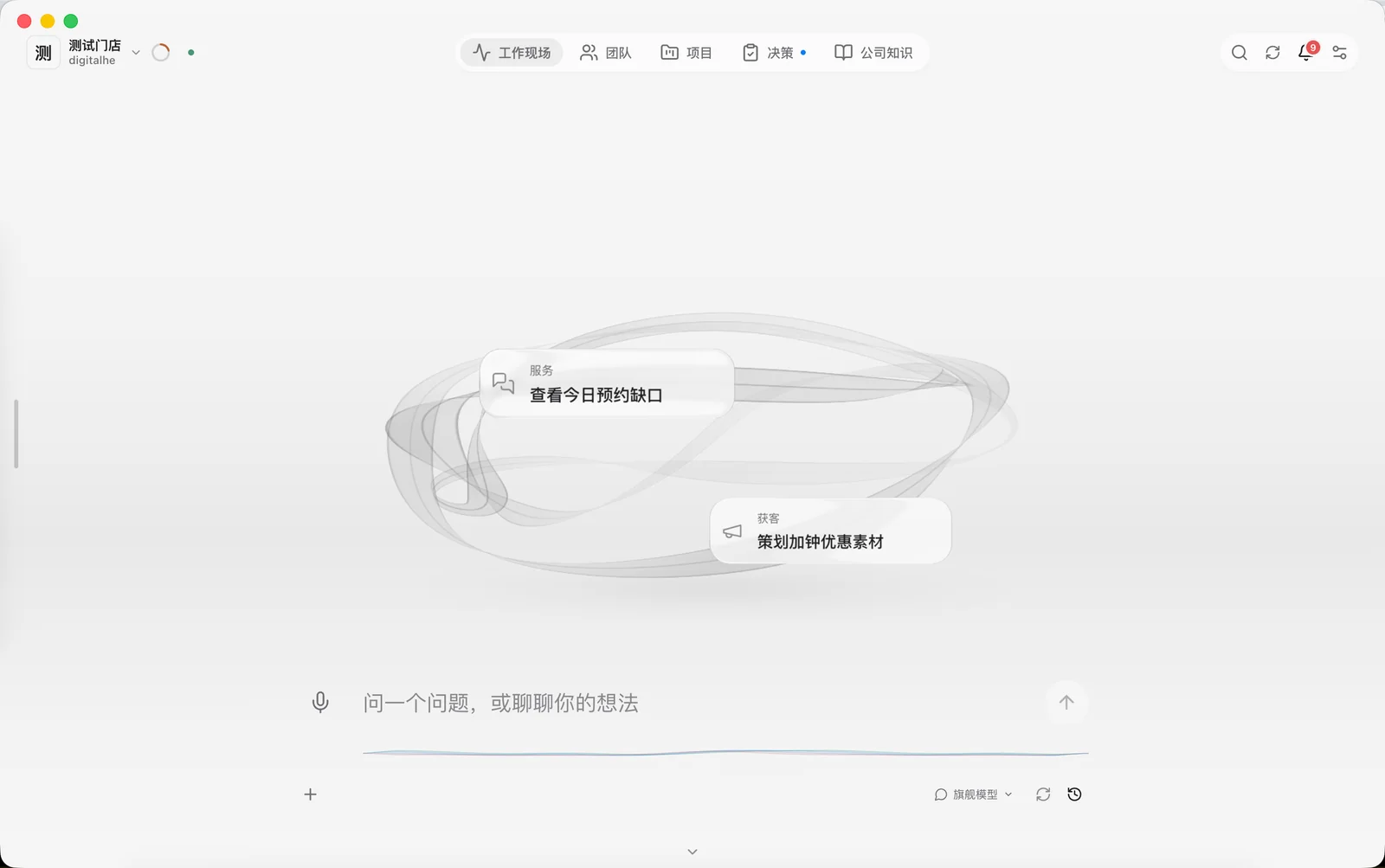
Choose a real task
Choose a bounded task with a verifiable result, such as a delivery checklist or an operations report. Prepare its goal, deadline, inputs and human reviewer. Avoid sensitive employee or financial records in an initial trial.
Set up the company and project
Create a company workspace in the client, confirm the active company and create a project. Describe the goal, deliverable and acceptance criteria. Manage material according to the actual access scope of each company and project.
Configure resources
Check model and Agent runtime status in Settings. Configure each digital colleague's responsibilities, skills and work budget. Discussion does not require a project directory; grant a directory and tools when the first local task needs them.
Complete the first cycle
After assignment, check execution progress and outputs. Have an authorized person review the exact revision before publishing it as project knowledge. An Agent icon or a running label alone does not prove that tools are connected or work has executed.
A brief for the first project
For an operations report, keep inputs and outputs in one brief. Start with one week and one store, then expand after the result is reproducible.
Goal: weekly operations report
Inputs: approved orders.csv + metric definitions v1
Scope: one store, one week, read-only
Output: report.md + exceptions.csv + source references
Acceptance: totals match source; missing data is listed
Reviewer: named business owner
External actions: none
Budget: agreed model spend and time limit
First-run acceptance checklist
Record the outcome, evidence location and owner for each check. If a check fails, preserve the inputs and error record, then reduce the task to isolate the cause.
- Configuration: company, executor, model and budget are confirmed.
- Access: only the test directory and necessary tools are granted; revocation blocks execution.
- Output: files open, figures have sources and missing inputs are documented.
- Handover: the owner can report issues, retry and close the task.